Master, Selected, and Not Duplicate
Within each match group, every record has three checkboxes that control how it will be treated during merge and survivorship and final export. These flags are your primary tool for curating match results before the merge phase.
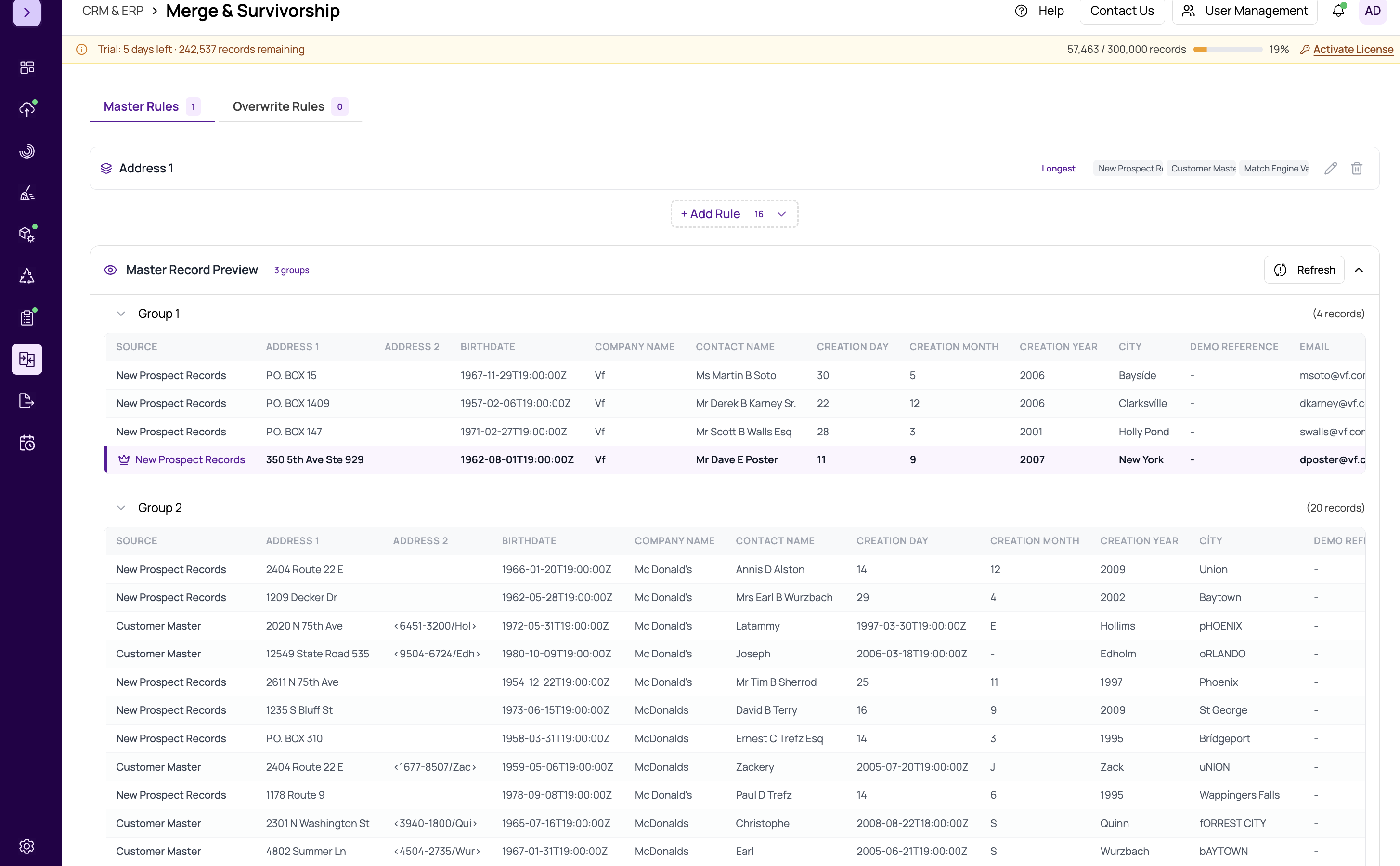
Master (Crown Icon)
The Master flag designates the "golden record" in a group — the record that will serve as the base during merge and survivorship. When you mark a record as Master:
- It becomes the starting point for the merged output record
- Field values from this record take priority unless overwrite rules specify otherwise
- Only one record per group can be Master. Selecting a new Master automatically deselects the previous one.
If you do not manually set a Master, the merge process will determine one automatically based on your master record rules. See #master-record-rules-tab for details.
Selected
The Selected flag marks a record as a valid record to keep. During export, you can choose to include only selected records or use the Selected status as a condition in overwrite rules. Multiple records in a group can be marked as Selected.
Use Selected when you want to indicate that a record is legitimate and should contribute to the merge output, even if it is not the Master.
Not Duplicate
The Not Duplicate flag marks a record as a false positive — the matching engine linked it to the group, but upon review you have determined it is not actually a duplicate. Records marked as Not Duplicate:
- Are excluded from merge and survivorship processing
- Are treated as unique records in the final export
- Do not contribute field values to the merged output
Auto-Save Behavior
Changes to these checkboxes are saved automatically. After you toggle a checkbox, MatchLogic waits 2 seconds (a debounce period) and then saves the changes to the server. A small save indicator appears next to the group to confirm the save is in progress or complete.
This means you do not need to click a separate Save button. Simply check or uncheck the boxes and move on — the system handles persistence in the background.
Tip
Before proceeding to what-is-merge-and-survivorship, review groups with low confidence scores and mark any false positives as Not Duplicate. This prevents incorrect records from contaminating your merged output.
Important
If you mark all records in a group as Not Duplicate, the group effectively has no duplicates and will not produce a merged record. Each record will be treated independently in the final export.