Definition Performance Comparison
The Definition Performance card on the Summary tab provides a side-by-side comparison of how each match definition performed. This helps you understand which definitions are contributing the most value and which may need tuning.
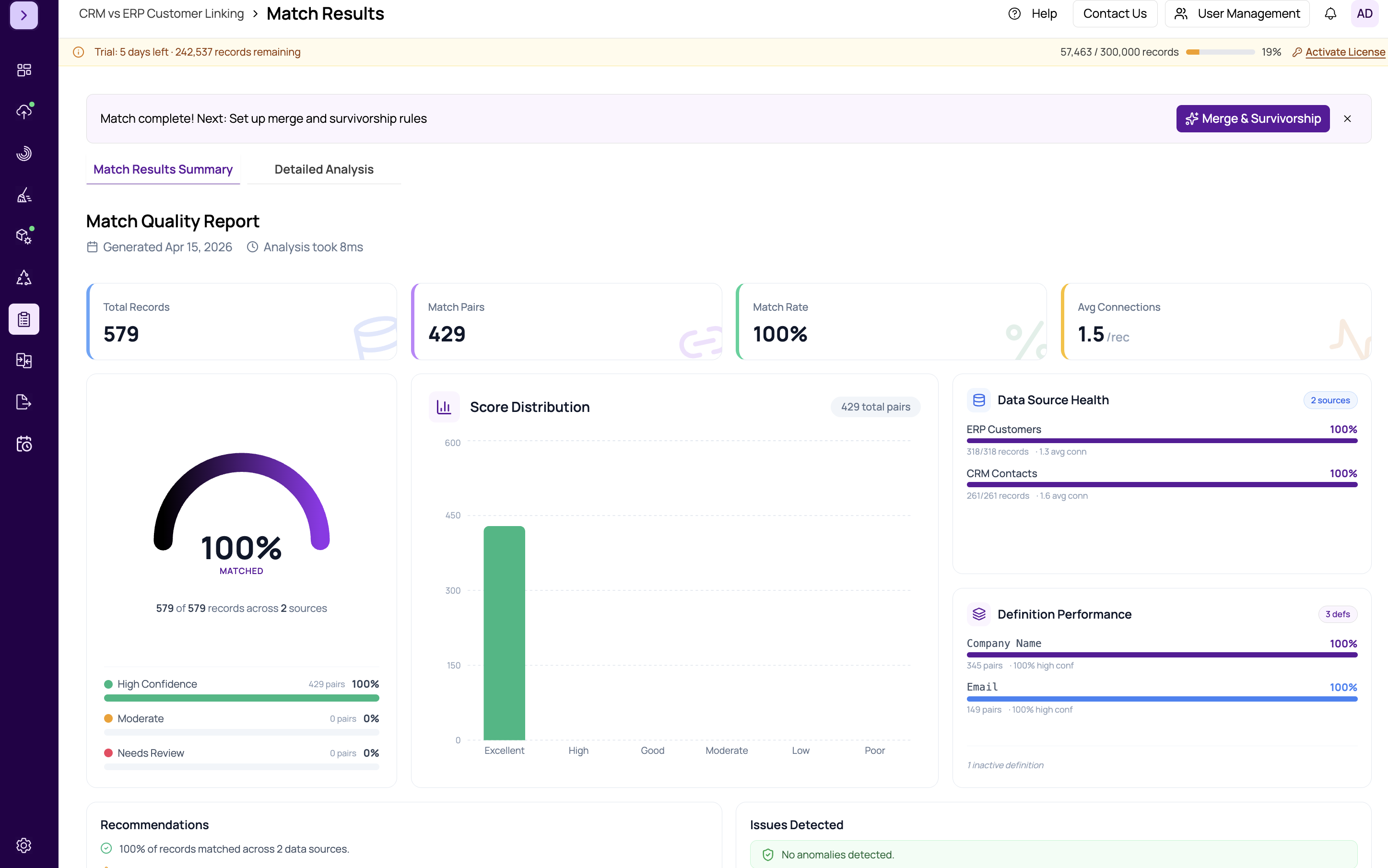
Metrics Per Definition
For each match definition configured in your project, the comparison shows:
- Matches Found — the number of record pairs that matched on this definition
- Average Score — the mean score across all pairs matched by this definition
- Score Distribution — a mini bar chart showing how scores are distributed across confidence bands for this definition
- Precision Indicator — a badge suggesting whether the definition produces high-confidence results or tends toward weaker matches
Interpreting the Comparison
Look for the following patterns when reviewing definition performance:
- High average score + many matches — this definition is working well. It captures many duplicates with high confidence.
- High average score + few matches — the definition is precise but narrow. It catches real duplicates but misses some. Consider relaxing criteria or adding complementary definitions.
- Low average score + many matches — the definition is casting too wide a net. Many of its matches may be false positives. Consider tightening criteria, increasing weights on discriminating fields, or raising the threshold.
- Low average score + few matches — the definition is both weak and unproductive. Consider removing it or redesigning its criteria entirely.
Tuning Your Definitions
Use these performance insights to iterate on your matching strategy:
- Identify your best-performing definition (high score, many matches)
- Check if weaker definitions add unique matches not captured by the strong one
- If a definition only produces low-scoring pairs that overlap with other definitions, consider removing it to reduce false positives
- Adjust field weights in underperforming definitions — see https://help.matchlogic.io/article/398-setting-field-weights
Tip
After adjusting definitions based on performance insights, re-run the match and check this card again. Iterating between definition tuning and performance review is the fastest way to optimize your match quality.
Important
This is an advanced analytics feature. The number of matches a definition produces does not alone determine its value. A definition with few matches but high precision may catch critical duplicates that no other definition finds. Always consider the unique contribution of each definition, not just raw counts.