Operations: Longest and Shortest
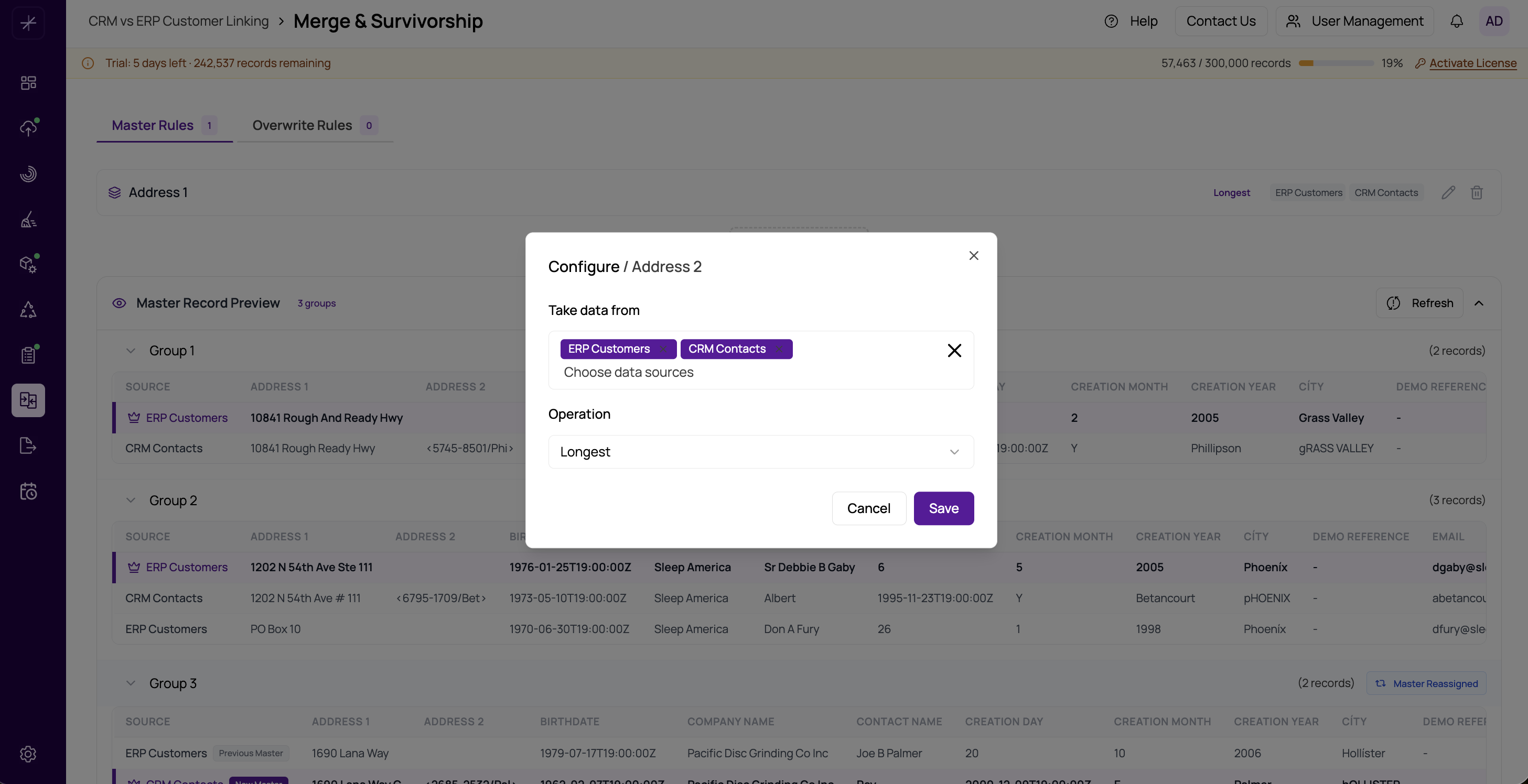
The Longest and Shortest operations select a field value based on character length. They are among the most commonly used survivorship operations for text fields.
Longest
Selects the value with the most characters from across all records in the group (from the selected data sources).
Best used for:
- Name fields — "Jonathan Smith" is preferred over "J. Smith" or "Jon Smith"
- Address fields — a full address is preferred over an abbreviated one
- Notes or description fields — more content usually means more information
Shortest
Selects the value with the fewest characters.
Best used for:
- Codes or identifiers — a standardized short code is preferred over a verbose description
- Reference numbers — the most concise representation is often the correct one
- Fields where excessive length may indicate concatenated or corrupted data
Tie-Breaking
When two records have values of equal length, the operation falls back to the first matching record in the group (by record order). To avoid ties, combine Longest with other rules or use Most Popular when consensus is more important than length.
Tip
For name fields, combine Longest (to prefer fuller names) with data source filtering (to trust a specific authoritative source). For example, prefer the Longest name but only from your CRM source.
How Null Values Are Handled
Null and empty values are excluded from the comparison. If all selected records have null for a field, the operation returns null. If only some records have values, only non-null values are compared.