Running the Merge Process
Once you have configured your Master Record Rules and Overwrite Rules, the final step is to execute the merge. This creates the golden records for your project by applying all active rules across every duplicate group identified in Match Results.
Two Separate Execution Steps
Master determination and field overwriting are executed separately, in this order:
- Master Rules — Save and Execute: Runs master record determination across all duplicate groups. Each group gets a designated master record. This must run before Overwrite Rules.
- Overwrite Rules — Save and Execute: Applies field-level overwrite rules to refine the field values on the designated master records. Requires master determination to have completed first.
Important
Always execute Master Rules before Overwrite Rules. The Overwrite Rules step depends on master designation data produced by the first step. Running Overwrite Rules without a completed Master determination will produce incorrect results or fail.
What Happens When You Click Save and Execute
- Your current rule configuration (including disabled rules and their order) is saved to the server.
- A background job is queued to process all duplicate groups against the saved rules.
- The page displays an Active Job Banner confirming the job has started.
- You can continue using other parts of the application while the job runs.
Tracking Progress
The merge job runs as a background process. You can monitor it in two ways:
- Active Job Banner: Displayed at the top of the Merge and Survivorship page while the job is running. Shows the current status and a progress indicator.
- Job Status Dialog: Click the job indicator in the application header to open the full status dialog. This shows all active and recently completed jobs across the application.
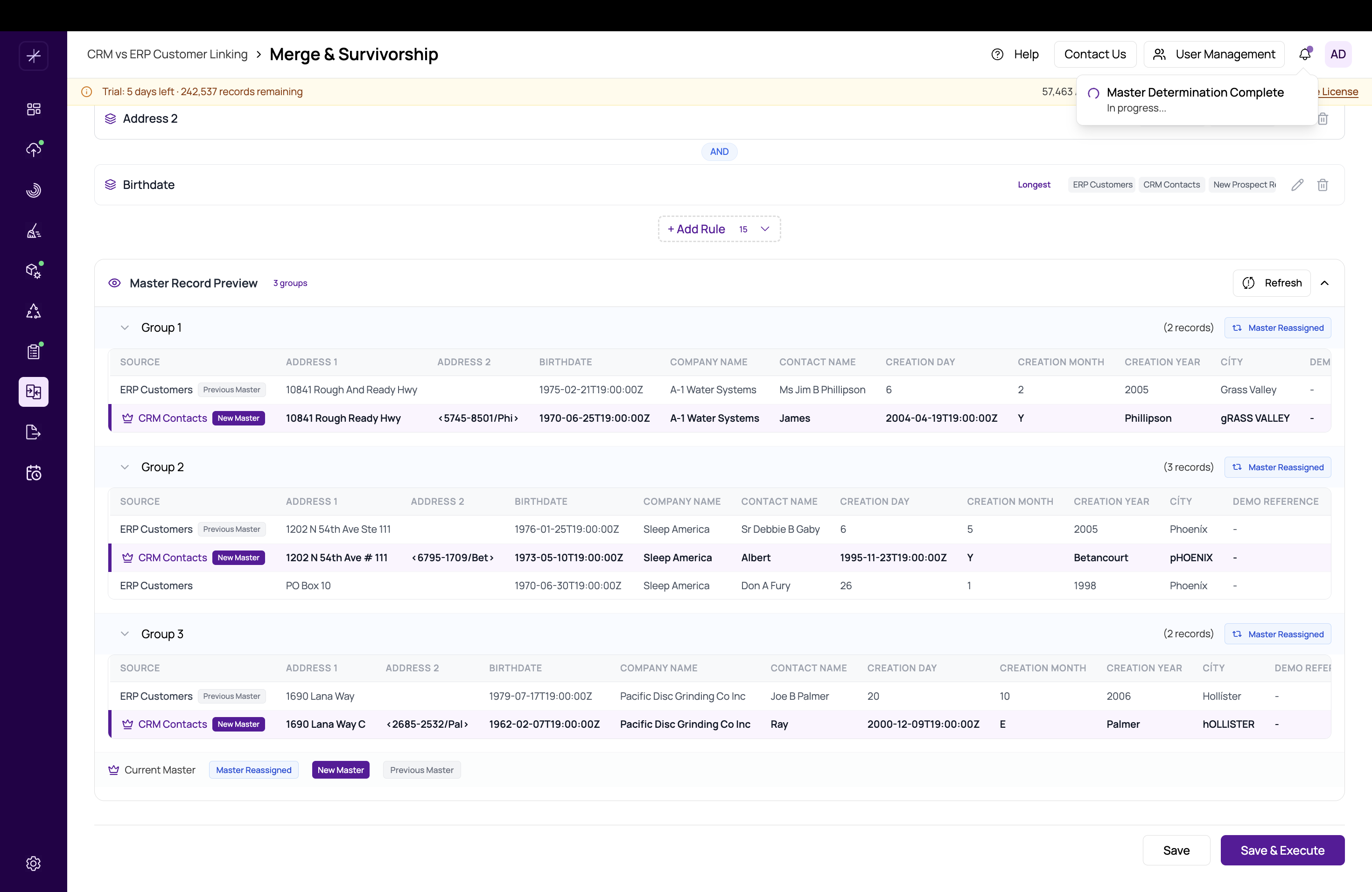
On Completion
When the merge job finishes:
- A success toast notification appears with a View Results link.
- The Master Record Preview panel refreshes automatically to reflect the latest golden records.
- The Active Job Banner disappears.
- You can proceed to Final Export to export the golden records.
Re-Running the Merge
You can re-execute the merge at any time after changing rules. Each execution overwrites the previous golden records. If you have already run Final Export, you will need to re-run the export after a merge re-execution to pick up the updated records.
Tip
For an overview of the full pipeline and where merge fits, see What Is Merge and Survivorship?