Data Source Health Report
The Data Source Health card on the Summary tab breaks down match performance by individual datasource. Rather than looking at aggregate metrics, this report helps you understand how each source is contributing to — or detracting from — your overall match quality.
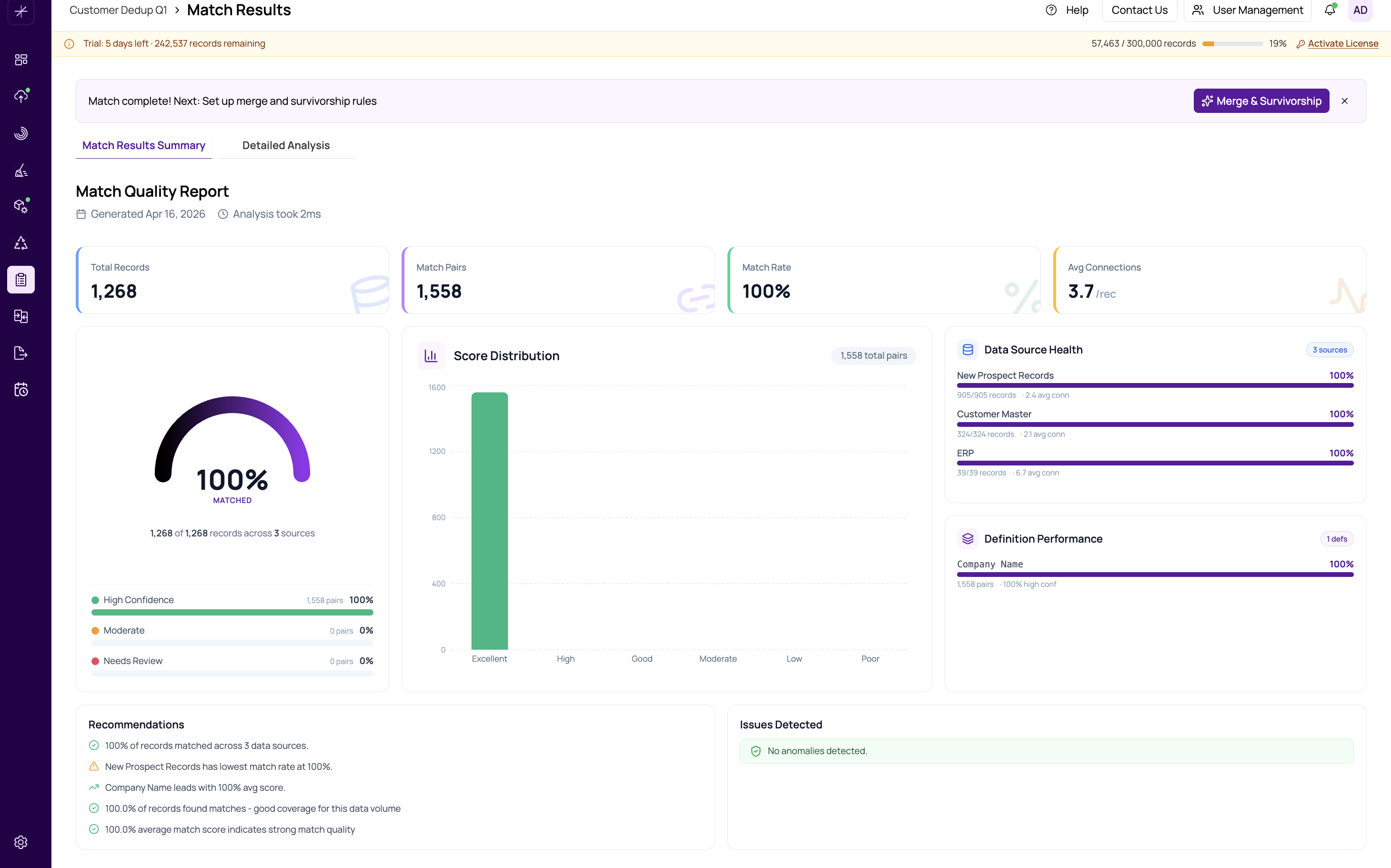
Metrics Per Datasource
For each datasource included in the match, the health report shows:
- Total Records — the number of records in that source
- Matched Records — how many of those records appear in at least one match pair
- Match Rate — the percentage of records from that source involved in matches
- Common Match Keys — the most frequently occurring matching fields for pairs involving this source
Interpreting the Results
Significant differences in match rate between datasources can reveal important insights:
- High match rate in one source, low in another — the low-rate source may have different data formats, missing values, or inconsistent naming conventions. Consider applying data cleansing (see introduction-to-the-flow-builder) before re-running the match.
- Very high match rate across all sources — your datasources have significant overlap. This is expected when matching related systems (for example, CRM and billing data).
- Very low match rate across all sources — your definitions may be too strict, or the field mappings may not align properly. Review https://help.matchlogic.io/article/397-field-mapping-between-datasources.
Identifying Quality Issues
A datasource with a notably lower match rate than others is a candidate for closer inspection. Common causes include:
- Missing or null values in key matching fields
- Different formatting conventions (for example, "St." vs "Street")
- Encoding issues or special characters
- Fields mapped to the wrong columns
Tip
Use the Data Profiling module to check completeness and data patterns for underperforming datasources. The https://help.matchlogic.io/article/225-completeness-filled-vs-null and https://help.matchlogic.io/article/228-validity-and-pattern-analysis reports can pinpoint exactly which fields have quality issues.
Important
This is an advanced analytics feature. The health report provides diagnostic information to guide your investigation, but it does not automatically fix issues. Use the findings to decide whether to cleanse data, adjust mappings, or modify definitions before re-running the match.