Choosing an Export Action
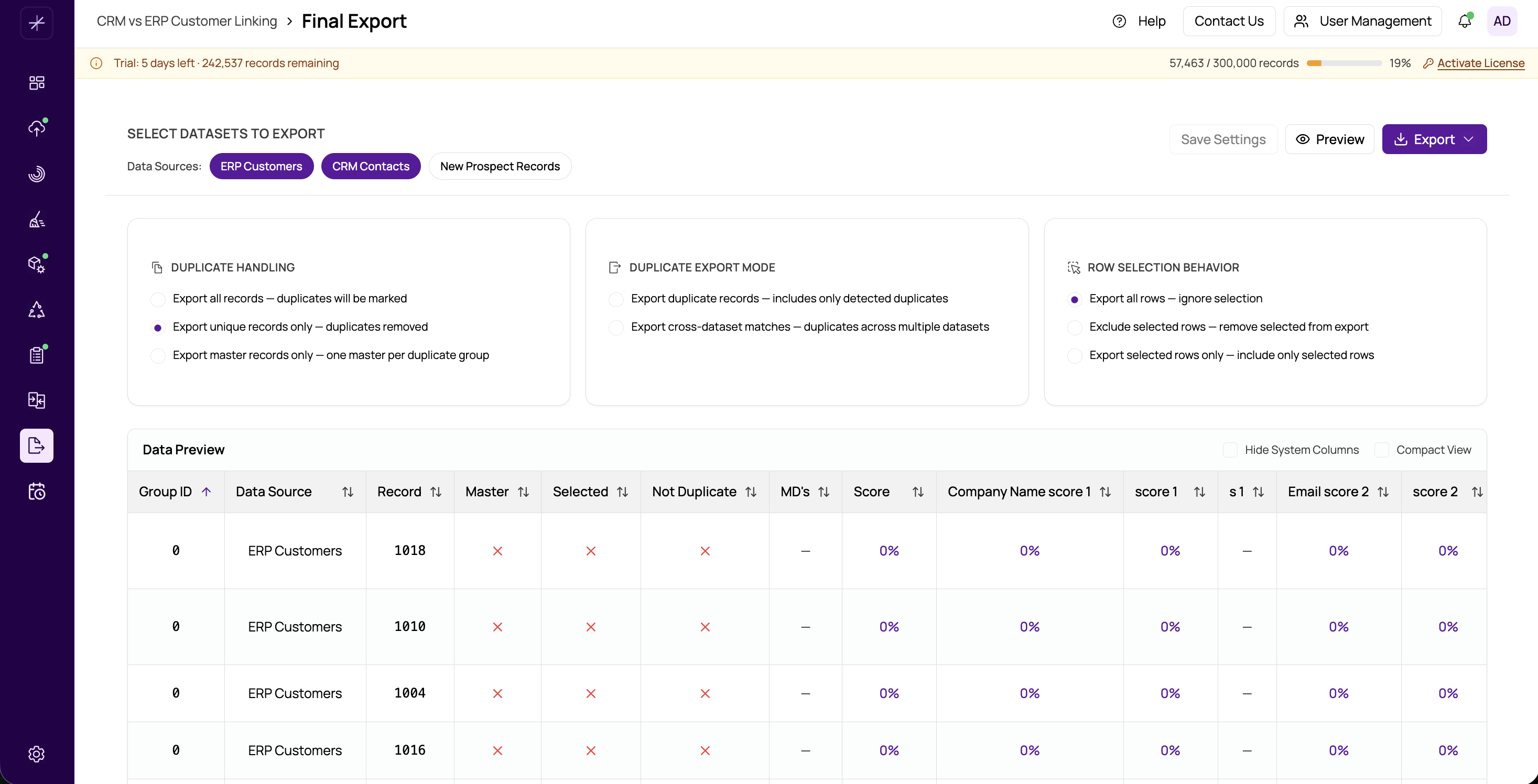
The export action determines which records MatchLogic includes in your final output and how duplicate information is represented. This is the most important decision in the Final Export module, as it controls the shape and content of your exported dataset.
Available Export Actions
- All Records and Flag Duplicates — Exports every record in your dataset. A duplicate flag column is added to each row, indicating whether the record was identified as a duplicate during matching. This is useful when you want a complete dataset with match metadata included, allowing downstream systems to decide how to handle duplicates.
- Suppress All Duplicate Records — Exports only records that were not identified as duplicates. Every record belonging to a match group is excluded from the output. Use this when you want a clean, deduplicated dataset with no trace of the matched records.
- Non-Dups and Master Record — Exports all non-duplicate records plus one master record from each match group. The master record is determined by the rules you configured in the #choosing-datasources-to-include step or the Merge and Survivorship module. This is the most common choice for producing a "golden record" dataset.
- Duplicates Only — Exports only the records that were matched as duplicates. Non-duplicate records are excluded entirely. This is helpful for auditing, reviewing matched pairs, or sending duplicate lists to a data steward for manual review.
- Cross-Reference — Exports a relationship mapping between matched records. Rather than exporting the record data itself, this action produces a table showing which records are related to which, along with match scores and group identifiers. Use this for integration scenarios where you need to link records across systems.
How to Choose
Your choice depends on what you intend to do with the exported data:
- For a complete audit trail, choose All Records and Flag Duplicates.
- For a clean deduplicated list, choose Suppress All Duplicate Records or Non-Dups and Master Record.
- For reviewing matches, choose Duplicates Only.
- For system integration, choose Cross-Reference.
Tip
You can combine the export action with the selected row handling option for even more precise control over which records appear in your output. See selected-row-handling for details.
Important
The export action applies globally to all datasources included in the export. If you need different handling for different datasources, consider running separate exports with different settings.